AI Content Tools for Small Business: Complete Guide
TL;DR
Repurposing lets small business owners turn one blog post into multiple channel-ready pieces without writing each one from scratch.
- Start with one solid piece, like a blog post, and reshape it into separate Facebook, Instagram, and X versions.
- AI writes each version in the right length and tone for its channel, so you pick the post and formats and get ready-to-use text in seconds.
- You do not need a marketing background, since the tool handles the shaping for each platform for you.
Why Repurposing Is a Game-Changer for Small Business Owners
Repurposing is about getting more mileage out of work you have already done. You are not starting from a blank page every single day. Most owners know they should be posting consistently, but finding the time to write for each channel between actually running the business is the real problem. Ultimately, that is the gap repurposing closes.
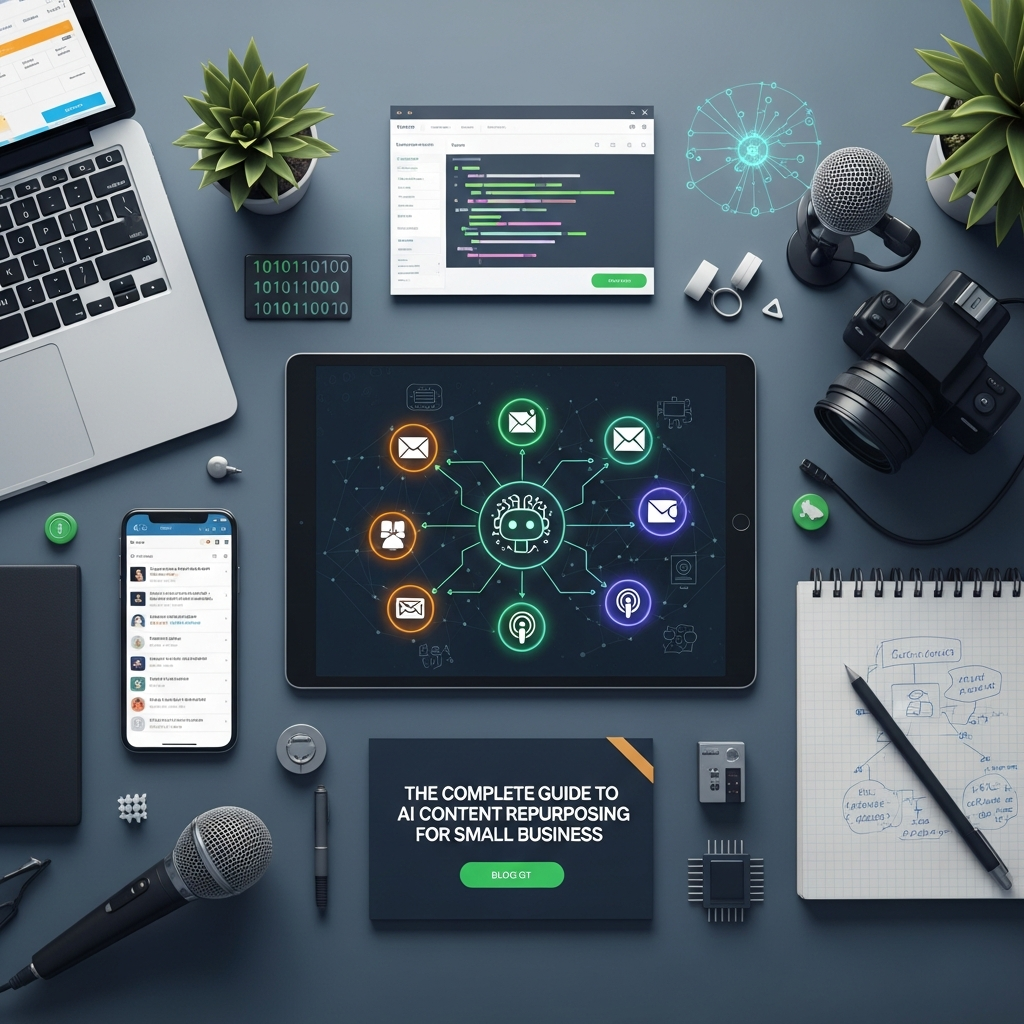
The idea is simple. You take one thing you already made, like a blog post, and turn it into several smaller pieces for your social channels. For example, one post becomes a Facebook update, an Instagram caption, a short version for X. You did the thinking once, and now it stretches across the places your customers are.
AI just makes that fast. Instead of sitting down to rewrite the same idea five different ways by hand, the tool does it for you in the right length and tone for each spot. You pick the post, pick the formats you want, and it hands you ready-to-use versions in seconds.
The best part is you do not need any marketing background. AutoMarketer AI was built for small business owners who want the result without the complexity. You are not learning a new craft, you are just reusing what you already have.
Rewriting the same post for every channel eats your week. AutoMarketer AI adapts it and posts on autopilot.
Get Started Free →How Repurposing Works, Channel by Channel
Every platform has its own personality. X rewards short and punchy. Instagram is about the visual and a warm caption. Meanwhile, Facebook is where people chat and connect. Trying to keep all of that straight in your head while writing each post by hand is rough when you are a team of one.
Repurposing handles that for you. You start with one solid piece, like a recent blog post, and the AI reshapes it to fit each channel. The Facebook version reads like Facebook, the Instagram caption reads like Instagram. As a result, each one sounds like it belongs where it lands instead of being the same text pasted everywhere.
That matters because people on different platforms want different things. Someone scrolling Instagram wants something quick and inspiring. The same core message, tuned to the room it is in, just lands better. The AI takes care of that shaping so you do not have to think about it.
Want to see how far one piece of content can really go? Check out How to Turn One Blog Post Into 30 Days of Social Media Content with AI for a full breakdown. You will be surprised how much a single blog post can give you.
What This Looks Like in Practice
It is easier to picture with an example. For example, say you run a small accounting firm and you write a short blog post about tax deductions for home-based businesses. That one post has enough in it to feed a whole stretch of social content.
- The main tips become a handful of individual X posts
- A summary of the key points becomes a longer, more professional take
- A single takeaway turns into a short, punchy Instagram caption
- A question from the post becomes a Facebook post that gets people commenting
- The whole thing gets boiled down into a quick email to your list with a link back to your site
You wrote one post. You got six or more pieces out of it without sitting back down to write from scratch. Ultimately, that is the difference between a business that shows up steadily and one that posts in bursts and then goes quiet. You stop running on fumes.
The same trick works on anything you have published. A customer success story can become a testimonial post, a short write-up, and a quick video idea. In fact, the content you have already made has a lot more life left in it than you are using right now.
How Repurposing Saves You Time Every Week
Time is the thing you have least of as an owner. Every hour spent fussing over captions is an hour not spent with a customer or on the actual work. Repurposing gives a chunk of that back.
It kills the blank-page problem first. You never have to stare at an empty box wondering what to write, because the tool starts from something you already made. The versions it gives you are ready to review and schedule, so you are editing instead of inventing.
Your voice stays consistent too. Because every version comes from your own post, it all sounds like you, even the parts the tool wrote. Furthermore, you stop doing the same job five times, writing one announcement over and over for each channel. That part just disappears.
For a deeper look at the time side of this, read 5 Ways AI Content Repurposing Saves Busy Entrepreneurs 10+ Hours a Week. Ultimately, the hours you get back are hours you can put toward the parts of the business only you can do.
Getting the Most Out of It
The tool does the heavy lifting, but a few habits make it work even better:
- Start with your best-performing posts. Reuse what already worked before reaching for something new.
- Keep your published posts organized so you always have good source material to pull from.
- Review the generated versions before they go out, at least early on, so you get a feel for what the tool does well.
- Do it in batches. Set aside one session to run a few posts through and build out a chunk of your schedule at once.
- Notice which formats get the most response on each channel, and lean into what works.
A little care with your source material goes a long way. In fact, the more organized your posts are, the faster and better the repurposing comes out the other side.
Getting Started With AutoMarketer AI
Starting does not have to be complicated. The whole thing is built for small business owners, not for big marketing teams with budgets to match. Simplicity was the point.
Here is the actual process. You pick one of your published posts from the dropdown. You check off the formats you want, Facebook, Instagram, X, and a few others. The tool rewrites your post into each one, ready for you to review. From there you can tweak it, schedule it, or approve it as-is.
You do not need to understand algorithms or have a content strategy figured out. The tool handles the shaping, the length, and the tone for each format. As a result, even if you have never done this before, you can be up and running in an afternoon.
The real first step is just to start. Pick one recent post, run it through, and see what comes out. Most owners are surprised how much they get from a single input, and how little time it takes once it is set up.
Additionally, for further reading, explore these related guides:
- How to Turn One Blog Post Into 30 Days of Social Media Content with AI
- The Small Business Owner’s Guide to Repurposing Content Across Every Channel Automatically
- 5 Ways AI Content Repurposing Saves Busy Entrepreneurs 10+ Hours a Week
- Webinar to Tweets to LinkedIn Posts: Automating Content Repurposing Without Marketing Skills
- Is AI Content Repurposing Worth It for Small Businesses? Costs, Benefits, and Real Results
Frequently Asked Questions
What are AI content tools for small business?
AI content tools for small business help you get more out of the content you already create instead of starting from scratch every day. They automate tasks like repurposing one piece of content into multiple formats tailored for different platforms. This saves time and helps small business owners maintain consistent online visibility.
How does AI content repurposing work?
Content repurposing means taking one piece of existing material and transforming it into multiple formats, such as turning a blog post into a tweet or a webinar into a LinkedIn article. AI makes this process faster and more consistent by automatically producing ready-to-post versions for each platform. You do the work once and get results across multiple channels.
Do I need marketing expertise to use AutoMarketer AI?
No, you do not need any marketing expertise to use AutoMarketer AI. The tool is built for small business owners who want results without complexity. One dashboard covers your connected channels, and content goes out automatically.
How does AI adapt content for different social media platforms?
Every platform has its own rules, so AI rewrites and reformats your core message to fit the tone and structure of each channel. For example, Twitter rewards short, punchy text while LinkedIn favors professional insights and longer commentary. The AI handles these translations automatically so each version sounds native to its platform.
Why does adapting content for each platform matter?
Audiences on different platforms expect different things, so content that speaks the right language for each channel sees higher engagement. A LinkedIn reader wants depth and professional value, while an Instagram follower wants inspiration and brevity. AI handles these adjustments without you having to think about it.
How much content can I create from a single blog post?
You can generate a surprising amount of content from just one blog post, with thirty days of social media content being completely achievable from one sitting. With the right AI content tools, a single piece of content can be repurposed across multiple channels. This lets you maximize the mileage of work you have already done.
Leave a Comment
Your email will not be published or shared. We use it only to follow up if needed.