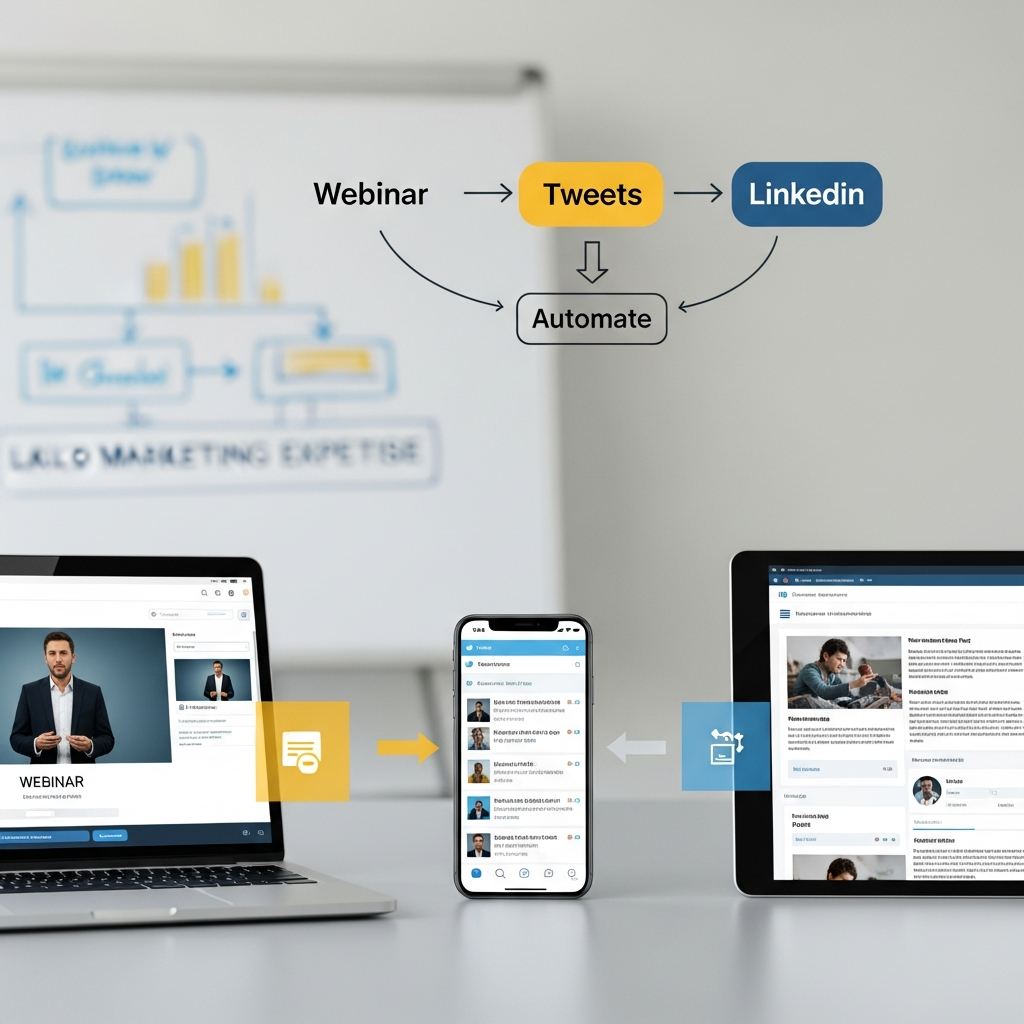
Webinar Content Repurposing – Automate Without Skills
TL;DR
Turn one webinar into weeks of social content by writing a recap post and reshaping it for Facebook, Instagram, and X.
- Write up your webinar highlights as a short blog post to use as your source material.
- Repurpose that published post into Facebook, Instagram, and X versions without rewriting it yourself.
- Review and approve each draft, then schedule it to post so you stay consistent without daily logins.
Why Repurposing Your Webinar Content Is a Game-Changer
Webinar content repurposing matters because you put real work into a webinar. You answered good questions, shared genuine expertise, and then the recording sat in a folder and nobody saw it again. Sound familiar? It happens to small businesses constantly. All that effort and knowledge goes nowhere once the live event ends.
Webinar content repurposing changes that. Instead of letting your best material gather dust, you turn the ideas from that webinar into a steady run of social posts. One session can fuel weeks of content, which is a serious return on time you already spent.
Most owners skip this because it sounds technical and slow. They picture rewatching the whole recording and writing a dozen posts from scratch. But it does not have to work that way. You do not need a marketing team or a strategy degree to get a lot of mileage out of one good webinar.
AutoMarketer AI was built for exactly this kind of owner. You bring the expertise, and the tool helps you turn it into social content that actually goes out, instead of being one more thing that falls off your list every week.
Rewriting the same post for every channel eats your week. AutoMarketer AI adapts it and posts on autopilot.
Get Started Free →How One Webinar Becomes Weeks of Social Content
The simplest way to start repurposing webinar content is to write up the highlights as a short blog post afterward. Pull out the best moments while they are fresh, a sharp answer to a customer question, a useful tip, a point you made that landed well, and turn them into a recap post on your site. That post becomes your source.
From there, the tool takes that published post and reshapes it for each channel. The Facebook version reads like Facebook, the Instagram caption stays short and warm, the X post is quick and punchy. The same insight from your webinar, written to fit each spot, without you rewriting it five times by hand.
Scheduling is the next piece. Once the posts exist, you can queue them up and let them go out at good times for each channel. You stay visible and consistent without logging in every day, and that steady presence is what builds trust with your audience over time.
AutoMarketer AI keeps all of it in one place. You are not jumping between a pile of apps. The writing, scheduling, and posting to Facebook, Instagram, and X happen from one dashboard. Owners who work this way often describe it as getting their time back, because the routine mostly runs itself.
Posts That Sound Like You, Without the Marketing Skills
One of the biggest worries owners have is writing posts that come out sounding off or stiff. You might know your field cold and still feel lost staring at a caption box. That gap is exactly where good webinar content repurposing helps. It knows what reads well on each platform, so you are not guessing.
Because everything comes from your own recap post, the language stays simple and direct and it sounds like you. You can review each draft, tweak a line if you want, and approve it in seconds. That beats sitting in front of a blank screen trying to sound clever.
The real point is that webinar content repurposing means you are not creating brand-new content at all. You are reshaping what you already said in the webinar and wrote up afterward. Your voice and your expertise are already baked in. The tool is just packaging it for different spots, so the whole thing feels natural instead of forced. Your followers get something useful, and you barely lifted a finger.
Getting Started Today
The first step is easier than people expect. After your webinar, write a short recap post covering the best moments and publish it. Then you pick that post in AutoMarketer AI, choose the formats you want, and within minutes you have a set of draft social posts ready to review. No complicated settings, no SEO knowledge required.
From there you decide how hands-on to be. Some owners review every post before it goes live. Others approve a streak they are happy with and let it run on autopilot. Both work. The point is you are out of the manual grind, and webinar content repurposing becomes a repeatable, low-effort habit instead of a one-time scramble.
The payoff is consistency. When you show up regularly on Facebook, Instagram, and X, people start to recognize you as a voice they trust. Potential customers see your content before they ever reach out, so they already feel like they know you. That familiarity makes connecting and selling a lot easier when the moment comes.
AutoMarketer AI was designed to give small business owners exactly this kind of leverage. You do not need marketing skills, a big budget, or extra hours in the day. You just need the content you are already creating and a smarter way to share it. If you are ready to stop letting great webinars disappear after one viewing, get in touch with the AutoMarketer AI team today. For a broader look at webinar content repurposing, read The Complete Guide to AI Content Repurposing for Small Business.
Frequently Asked Questions
What is webinar content repurposing and why does it matter for small businesses?
Webinar content repurposing means turning the ideas from a single webinar into multiple pieces of social content. It matters because all the effort and expertise you put into a live webinar often goes unused after the event ends. By writing up the highlights and repurposing that into posts, one webinar can fuel weeks of social media content, giving you a strong return on time you already invested.
Do I need marketing skills or a content team to repurpose my webinars?
No, you do not need a marketing team or a content strategy degree to make this work. Modern AI tools handle the rewriting and scheduling for you, so you only need to bring your expertise. AutoMarketer AI was built specifically for business owners in this situation.
How does AI turn one webinar into multiple social media posts?
The simplest approach is to write up your webinar highlights as a short recap post on your site, then let the tool repurpose that published post. It reshapes the strongest moments, like a sharp answer to a customer question or a useful tip, into ready-to-publish posts for each channel. You review and approve, with no rewriting the same idea by hand.
Can the tool adapt content for different platforms like Facebook and Instagram?
Yes, good repurposing tools understand that each platform has its own style. A Facebook post reads differently than a short, punchy post on X, and an Instagram caption stays casual and warm. The tool reformats the same insight to fit each channel automatically without you doing it by hand.
How does AutoMarketer AI help me stay consistent on social media?
Once your posts are created, the tool can queue them up and schedule them for good times on each channel. This keeps you visible and consistent without logging in every day. That consistency runs in the background while you run your business and helps build real audience trust over time.
Do I need to use multiple apps to manage this process?
No, AutoMarketer AI brings the writing, scheduling, and posting to Facebook, Instagram, and X into one dashboard. You do not need to jump between separate apps to manage your content. Small business owners who use this workflow often describe it as getting their time back.
Leave a Comment
Your email will not be published or shared. We use it only to follow up if needed.