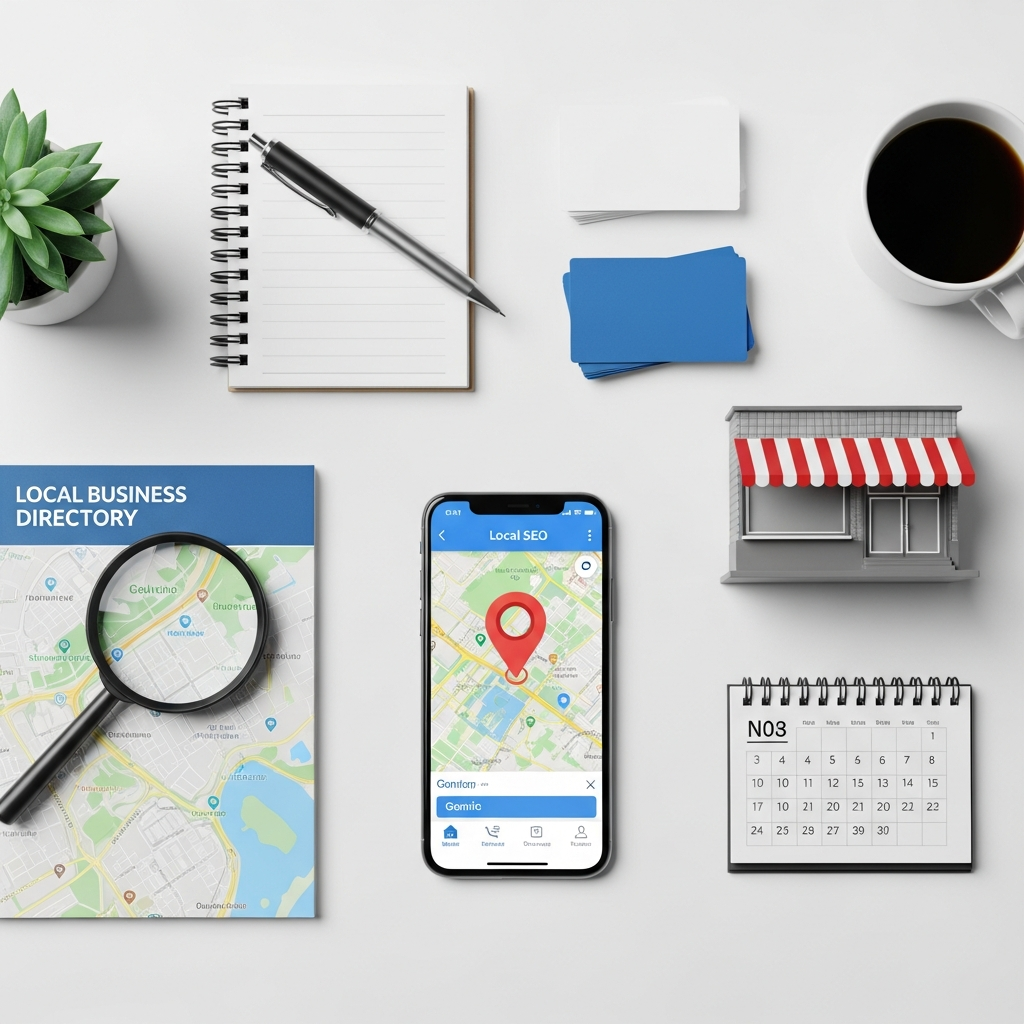
How to Set Up Local SEO for Your Small Business in 7 Simple Steps
TL;DR
Local SEO helps nearby customers find you by claiming your business profile, keeping your details consistent, and targeting location-based keywords on your site.
- Claim your business profile and fill out every field, then make sure your name, address, and phone number match everywhere online.
- Add quality photos, pick the right business categories, and list attributes like parking or accessibility to attract more clicks.
- Build local keywords with city and neighborhood terms into your titles, headings, service pages, and image alt text, and keep your site fast and mobile-friendly.
Why Local SEO Matters for Small Businesses
Most customers turn to local seo searches before they buy. They look for shops, services, and solutions near them. As a result, if your business doesn’t show up, you lose them.
Step 1 and 2: Claim Your Profile and Get Your Details Right
Start by claiming your Business Profile on search engines. This is the heart of local SEO. Ultimately, it controls how you appear in local results and maps.
Fill out every field completely. Add your address, phone number, hours, and website. Ultimately, the more complete your profile, the better you rank.
Then make sure your details match everywhere online. Your name, address, and phone number need to be identical across the web, because even small differences hurt you. For example, a “Street” in one place and “St” in another causes confusion.
Bring those local SEO steps to life by letting AutoMarketer AI write search-optimized blog posts that help your small business rank for the customers nearby.
Learn more →Pick one format and stick with it. Check your listings on directories and social pages too. Fix any old phone numbers or wrong addresses.
Ultimately, that builds trust with both customers and search engines. Don’t stop at the basics. Add high quality photos of your storefront, your team, and your products.
For example, listings with images get far more clicks and help customers picture themselves walking through your door. Pick the right business categories carefully. Choose a primary category that matches your core offering, then add secondary categories for other services.
The wrong category can keep you out of the searches that matter most. A lot of platforms let you add attributes, like wheelchair access, free parking, or outdoor seating. Fill these in when they apply.
Additionally, small details answer customer questions before they even ask them.
Step 3 and 4: Choose Keywords and Optimize Your Website
Think about what your customers type when they search. They often add a location to the query, with words like “near me” or your town name. Make a list of phrases that fit your business.
Furthermore, include your services and your city or neighborhood. These become your local SEO keywords. Then weave those keywords into your website naturally.
Add them to your page titles, headings, and body text, but don’t stuff them in awkwardly. Furthermore, create a clear page for each main service you offer, and mention the areas you serve on those pages. That helps you show up for nearby searches.
Here are a few easy spots to add local keywords:
- Your homepage title and description
- Service and product pages
- Your contact and about pages
- Image file names and alt text
- Blog posts about local topics
Think about how real people talk when they search by voice. For example, they use full questions like “where can I find a plumber open on Sunday near me.” Answer those questions directly on your pages and you stand a better chance of ranking for them. Furthermore, don’t forget the technical side either.
Pages should load fast, work well on phones, and be easy to navigate. A slow or clunky site can drive visitors away before they ever contact you. Additionally, add a map and clear contact details to your site.
Embedding a map of your location signals your area to search engines and makes it simple for customers to find and reach you. You don’t need expensive tools to find good keywords. In fact, here are a few free ways to uncover the phrases your customers actually use:
- Type your service into a search bar and watch the suggestions appear. These are real phrases people use every day.
- Scroll to the bottom of the results page and review the related searches. Note the ones that include a location or a buying intent.
- Ask your customers how they found you. Their answers often reveal phrases you never considered, and real customer language is some of the best keyword research you can get.
Step 5: Collect and Manage Customer Reviews
Reviews are powerful for local SEO. In fact, they tell search engines your business is trusted and help customers choose you over others. Ask happy customers to leave a review right after a great experience.
Most people are glad to help when asked. Make it easy by sending a direct link by text or email. Ultimately, the fewer clicks, the more reviews you get.
Always respond to reviews, good and bad. When you reply to a positive one, mention what the customer praised. For example, a reply like “We’re glad you loved the quick service” gently works in keywords too and adds value for the next reader scanning your profile.
Meanwhile, treat negative reviews as a chance to win trust. A calm, helpful response shows future customers you care. A lot of people read how a business handles problems before they decide to buy.
Never buy fake reviews or pressure people for five stars. Search engines spot fake patterns and can penalize you. Instead, a steady stream of honest, fresh reviews keeps you visible and lifts your local rankings over time.
Step 6: Stay Active on Social Media
Search engines notice when your business stays active online. Furthermore, social media signals show you’re engaged with your community, which supports your local SEO. Post about your products, events, and local news.
Share photos and quick updates often. Consistency matters more than perfection. Additionally, tag your location in posts when it fits and use local hashtags to reach nearby people.
A lot of owners struggle to post regularly. Time runs out, the page goes quiet, and that gap can hurt your visibility. This is where AutoMarketer AI helps.
Specifically, the tool writes, schedules, and posts your content to Facebook, Instagram, and X automatically, all from one dashboard. Additionally, engage with other local businesses and customers online too. Comment on community posts and share local events.
That builds relationships that often turn into referrals. Mix up the kind of content you share. Behind-the-scenes photos, customer shoutouts, quick tips, and special offers all keep your page interesting.
Ultimately, variety holds attention and keeps people following along.
Step 7: Track Results and Keep Improving Your Local SEO
Local SEO isn’t a one-time task. However, it grows with regular care, and tracking your progress keeps you moving forward. Watch a few simple numbers each month.
See how many people find your profile and how often they call or visit your site. Additionally, look at which keywords bring in traffic. Some will work better than others, so lean into the ones that perform.
Here are useful things to keep an eye on:
- Profile views and search appearances
- Clicks to your website and phone
- New customer reviews and ratings
- Social media engagement and reach
- Keyword rankings for local searches
Small tweaks add up over time. For example, update your hours, post new photos, refresh your content. Set aside a short window each month to review your numbers.
You don’t need hours, just enough time to spot trends. Look for what’s rising and what’s slipping, then adjust. Ultimately, compare your results to your goals, not to giant competitors.
Steady growth in calls, visits, and reviews means your plan is working. Celebrate small wins to stay motivated. You don’t have to do this alone.
Furthermore, AutoMarketer AI takes the busywork off your plate. Reach out today and we’ll help you grow your local presence with ease.
Common Local SEO Mistakes to Avoid
Even with a solid plan, a few common slip-ups can hold you back. However, knowing them ahead of time saves you wasted effort. Here are the ones we see most often.
- Letting your business profile sit half finished or out of date
- Using different name and address formats across the web
- Ignoring reviews instead of replying to them
- Stuffing keywords until your pages read awkwardly
- Posting on social media in bursts, then going quiet for weeks
Each of these is easy to fix once you know about it. A quick audit of your profile and listings usually reveals the biggest gaps. Patch those first, then build from there.
The businesses that win at local SEO are simply the ones that stay consistent. They keep their details accurate, ask for reviews, and show up online week after week. Ultimately, with the right tools and a clear plan, you can be one of them.
Frequently Asked Questions
What is local SEO and why does it matter for my small business?
Local SEO is the process of optimizing your online presence so that customers in your area can find your business when they search online. Most customers search for shops, services, and solutions near them before they buy, so if your business does not show up, you lose those potential customers. Strong local SEO puts your business on the map and turns local searches into real customers.
Is local SEO too technical for a small business owner to do?
No, local SEO is simpler than it seems and you do not need to be a marketing expert to get started. You just need a clear plan, and following a step by step guide makes the process manageable. At AutoMarketer AI, we help busy owners grow online without the headache.
How do I claim my business profile and why is it important?
You can claim your free business profile directly on search engines, and this is the heart of local SEO. Your profile controls how you appear in local results and on maps, so it is essential to claim and complete it. Fill out every field including your address, phone number, hours, and website, since a more complete profile helps you rank better.
Why does my business name, address, and phone number need to match everywhere online?
Your name, address, and phone number must be identical across the web because even small differences can hurt your rankings. For example, using Street in one place and St in another causes confusion for both customers and search engines. Pick one format, stick with it, and check your listings on directories and social pages to fix any old or incorrect details.
How do I choose the right keywords for local SEO?
Think about what your customers type when they search, since they often add a location to their query using phrases like near me or your town name. Make a list of phrases that fit your business, including your services along with your city or neighborhood. These phrases become your local SEO keywords.
Where should I add local keywords on my website?
You can add local keywords naturally to your page titles, headings, and body text, but avoid stuffing them in awkwardly. Good spots include your homepage title and description, service and product pages, your contact and about pages, image file names and alt text, and blog posts. Creating a clear page for each main service and mentioning the areas you serve also helps you show up for nearby searches.
Leave a Comment
Your email will not be published or shared. We use it only to follow up if needed.