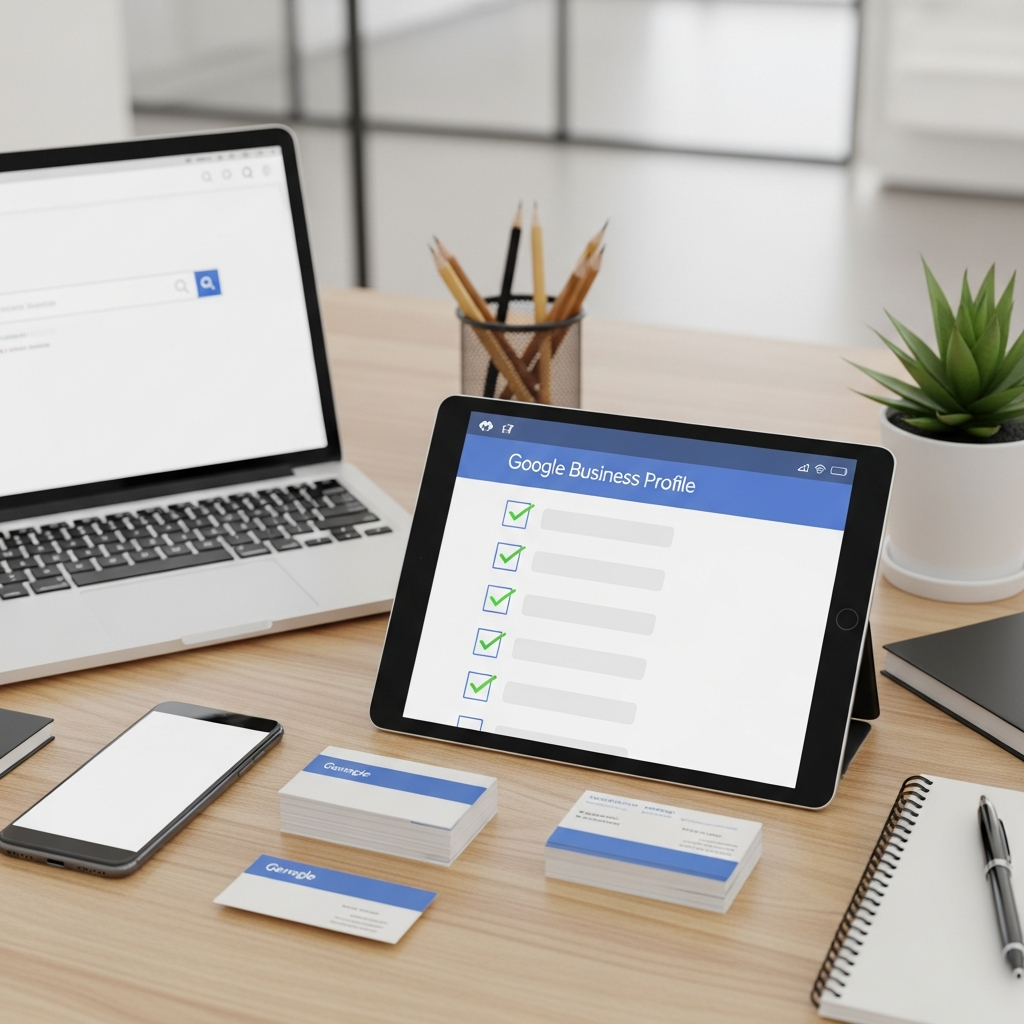
The Complete Google Business Profile Checklist for Small Business Owners
TL;DR
A complete, verified Google Business Profile acts as your around-the-clock digital storefront, building trust and attracting more local customers.
- Claim and verify your listing through Google's official setup page to unlock full control and protect it from changes.
- Fill in every field accurately, including your exact name, address, local phone number, hours, primary category, and a clear description.
- Add secondary categories and attributes like accessibility, payment options, and free wifi to appear in more relevant searches.
Why Your Google Business Profile Matters So Much
Your Google Business Profile is often the first thing people see. It shows up when someone searches for your business and in local map results. Think of it as your digital storefront.
A clean, complete profile builds trust fast, while an empty or outdated one pushes customers away. A lot of small business owners set it up once and forget it, and that’s a missed opportunity, because this profile works for you around the clock. However, the good part is that fixing it doesn’t take long.
You just need a clear checklist to follow, which is exactly what this post gives you. By the end, your profile will be ready to attract more local customers.
Claiming and Verifying Your Profile
First, claim your listing. Search for your business name on Google to see if a profile already exists. If it does, claim it as the owner.
Once your Google Business Profile is polished, let AI draft search-optimized blog posts and social content that point new customers straight to your business.
Learn more →If it doesn’t, create a new one. Both options start at the official Google Business setup page. Then comes verification.
Google needs to confirm you actually run the business, which usually happens by phone, email, or postcard. Verification protects your listing from being changed by others, and it unlocks every feature you need, so don’t skip it. Once verified, you have full control.
You can edit details, respond to reviews, and post updates. This is the foundation for everything else.
Filling Out Every Detail on Your Google Business Profile
A complete profile performs better than a partial one. Google rewards businesses that share full information, and customers trust them more too. Accuracy matters here, however, because even small errors can confuse people or hurt your ranking.
Here are the key fields to complete:
- Your exact business name, with no extra keywords
- Your full address or service area
- A local phone number people can call
- Your website link
- Accurate opening hours, including holidays
- The right primary business category
- A clear business description
Choose your category carefully. It tells Google what you do, and the wrong choice can keep you out of relevant searches. Then write a description that sounds human.
Explain what you offer and who you help. Ultimately, keep it honest and easy to read.
Using Secondary Categories and Attributes Wisely
Your primary category does the heavy lifting, but it isn’t the only tool you have. Google lets you add secondary categories too, which help you appear in more searches without diluting your main focus. For example, a coffee shop might pick “Coffee shop” as the primary category, then add “Breakfast restaurant” and “Bakery” as secondary ones.
That widens your reach while staying accurate. Attributes are another underused feature. They’re small tags that describe your business in detail, like “wheelchair accessible,” “free wifi,” or “outdoor seating.” Here are a few worth checking and adding where they apply:
- Payment options such as cards, cash, or mobile pay
- Accessibility features for all visitors
- Whether you offer delivery or pickup
- Health and safety measures if relevant
- Whether your business is woman-owned or veteran-owned
These details help customers decide before they even contact you. Additionally, they help Google match you to specific searches. A few clicks here can pay off in real visits.
Photos, Posts, and Keeping Things Fresh
Photos make a huge difference. Listings with images get more clicks and calls, because people want to see what they’re getting. Add a logo and a cover photo first, then upload pictures of your space, products, or team.
Real photos beat stock images every time. Posts are another powerful tool. You can share offers, news, and events directly on your profile to keep your listing active and current.
Fresh content signals that your business is open and engaged, and Google notices that activity, as do potential customers browsing your profile. Posting often takes time, though, and that’s where automation helps. For example, tools like AutoMarketer AI can keep your Facebook, Instagram, and X accounts updated without the daily effort.
What Kinds of Photos Work Best
Not all photos pull the same weight. Some images do far more to win trust and clicks, so a little planning goes a long way. Furthermore, try to cover a range of angles and moments.
The more customers can picture themselves there, the better. Consider adding these types of photos:
- Your storefront or building from the street
- The inside of your space during a busy moment
- Close-up shots of your best products or dishes
- Your team at work, smiling and friendly
- Behind-the-scenes images that show how you operate
Update these photos as your business changes. For example, a new sign, a fresh menu, or a renovation all deserve a fresh image. Outdated photos can mislead first-time visitors.
Managing Reviews the Right Way
Reviews shape how people see your business. They build trust before anyone walks through your door, so positive reviews are pure gold. Ask happy customers to leave a review.
A simple, friendly request works well, and you can make it easy by sharing a direct link. Always respond to reviews, good and bad. A kind reply to praise shows you care, and a calm reply to criticism shows professionalism.
Never argue with an unhappy reviewer. Stay polite and offer to fix the issue, because other readers are watching how you handle it. Ultimately, consistent review activity boosts your local ranking, and it keeps your Google Business Profile feeling alive and trustworthy, so make it a regular habit.
How to Ask for Reviews Without Feeling Pushy
A lot of owners feel awkward asking for reviews. However, the trick is to make the request natural and easy. Most happy customers are glad to help when you ask kindly.
Time your request well, too. The best moment is right after a positive experience, when a satisfied customer is your ideal audience. Try a few of these gentle approaches:
- Hand out a small card with a QR code that links to your review page
- Add a review link to your email signature
- Send a friendly follow-up message after a purchase
- Place a small sign near the register inviting feedback
- Train staff to mention reviews in a warm, low-pressure way
Always thank people for taking the time. However, never offer payment or gifts for reviews. That breaks Google policy and can damage your trust.
Keeping Your Google Business Profile Working for You
Your work isn’t done after setup. A profile needs ongoing care to stay effective, so treat it like a living part of your business. Check your details every few months.
Update hours, photos, and offers as things change, because outdated information frustrates customers fast. Use the insights tab to learn what works. It shows how people find and interact with your listing, so let that data guide your next steps.
Additionally, staying consistent across all your marketing matters too. Your social posts, website, and Google Business Profile should tell one story, and that builds real recognition. If keeping up feels overwhelming, you’re not alone.
AutoMarketer AI writes, schedules, and posts your content automatically. Reach out today to grow your online presence with far less effort.
Common Mistakes to Avoid
Even a strong Google Business Profile can be held back by simple slip-ups. Knowing the common traps helps you sidestep them and saves a lot of trouble later. One frequent error is stuffing keywords into your business name.
That breaks Google rules and can get your listing suspended, so keep your name exactly as it appears in the real world. Another mistake is letting hours go stale. Nothing frustrates a customer more than arriving to a closed door, so always update holiday hours and special closures in advance.
Furthermore, watch out for these other pitfalls too:
- Ignoring questions in the Q and A section
- Using a tracking phone number that confuses Google
- Leaving the description blank or filling it with fluff
- Creating duplicate listings for the same location
- Forgetting to respond to reviews for weeks at a time
Fixing these issues is usually quick. The hard part is remembering to check. Therefore, build a simple routine and these problems rarely return.
Making the Most of Your Insights
The insights tab is a quiet goldmine. It tells you how customers find and use your listing, yet most owners never open it. You can see how many people called, visited your website, or asked for directions, and which search terms brought them in.
That data shows you what’s working. Use the numbers to guide your choices. For example, if a certain photo or post drives more calls, do more of that.
If a search term surprises you, lean into it with new content. Review your insights once a month, and look for trends over time rather than single days. Small steady gains add up to real growth.
Ultimately, this habit turns guesswork into strategy. You stop posting blindly and start posting with purpose. That’s how a Google Business Profile goes from average to outstanding.
Frequently Asked Questions
Why is having a Google Business Profile important for my small business?
Your Google Business Profile is often the first thing potential customers see when they search for your business or browse local map results. It acts as your digital storefront, and a complete, accurate profile builds trust quickly while an empty or outdated one can push customers away. Best of all, it works for you around the clock to attract local customers.
How do I claim and verify my Google Business Profile?
Start by searching for your business name on Google to see if a profile already exists. If it does, claim it as the owner, and if it does not, create a new one through the official Google Business setup page. After claiming, you will need to verify your business, which usually happens by phone, email, or postcard to confirm you actually run the business.
Why should I not skip the verification step?
Verification protects your listing from being changed by others and confirms to Google that you are the legitimate owner. It also unlocks every feature you need, giving you full control to edit details, respond to reviews, and post updates. Skipping verification leaves your profile vulnerable and limits what you can do.
What details should I fill out on my Google Business Profile?
You should complete your exact business name without extra keywords, your full address or service area, a local phone number, your website link, accurate opening hours including holidays, the right primary business category, and a clear business description. A complete profile performs better than a partial one because Google rewards full information and customers trust it more. Accuracy matters too, since even small errors can confuse people or hurt your ranking.
How should I use secondary categories on my profile?
Your primary category does the heavy lifting, but secondary categories help you appear in more searches without diluting your main focus. For example, a coffee shop might choose Coffee shop as the primary category, then add Breakfast restaurant and Bakery as secondary ones. This widens your reach while staying accurate to what you offer.
What are attributes and why should I add them?
Attributes are small tags that describe your business in more detail, such as wheelchair accessible, free wifi, or outdoor seating. They are an underused feature that helps customers understand what your business offers before they visit. Worth checking and adding where they apply are payment options like cards, cash, or mobile pay, and accessibility features for all visitors.
Leave a Comment
Your email will not be published or shared. We use it only to follow up if needed.