The Best Social Media Scheduling Tools for Small Business Owners in 2026
Why social media scheduling guide Tools Are Essential for Small Business Success
These scheduling tools eliminate the need to manually post content throughout the day. You can batch-create posts during focused work sessions. Then schedule them to go live when your audience is most active. This approach saves hours each week while maintaining consistent online visibility.
The beauty of scheduling tools lies in their ability to work around the clock. Your business stays visible even when you’re sleeping or handling other tasks. Customers see fresh content regularly, which builds trust and keeps your brand top-of-mind. This consistent presence often translates into increased engagement and sales.
Modern social media scheduling tools go beyond basic posting. They offer analytics, content suggestions, and multi-platform management from a single dashboard. This comprehensive approach transforms social media from a time-consuming chore into an efficient growth engine for your business.
Consider the typical scenario of a small business owner trying to maintain active social media presence manually. They might start their day checking Instagram, then remember to post on Facebook during lunch, and finally scramble to share something on LinkedIn before leaving the office. This scattered approach leads to inconsistent messaging and missed opportunities to connect with audiences when they’re most engaged.
Key Features to Look for in Social Media Scheduling Tools
Multi-platform support stands as the most crucial feature for any scheduling tool. Your customers use different social networks throughout their day. A good tool should handle Facebook, Instagram, Twitter, LinkedIn, and other relevant platforms. This unified approach prevents you from logging into multiple accounts daily.
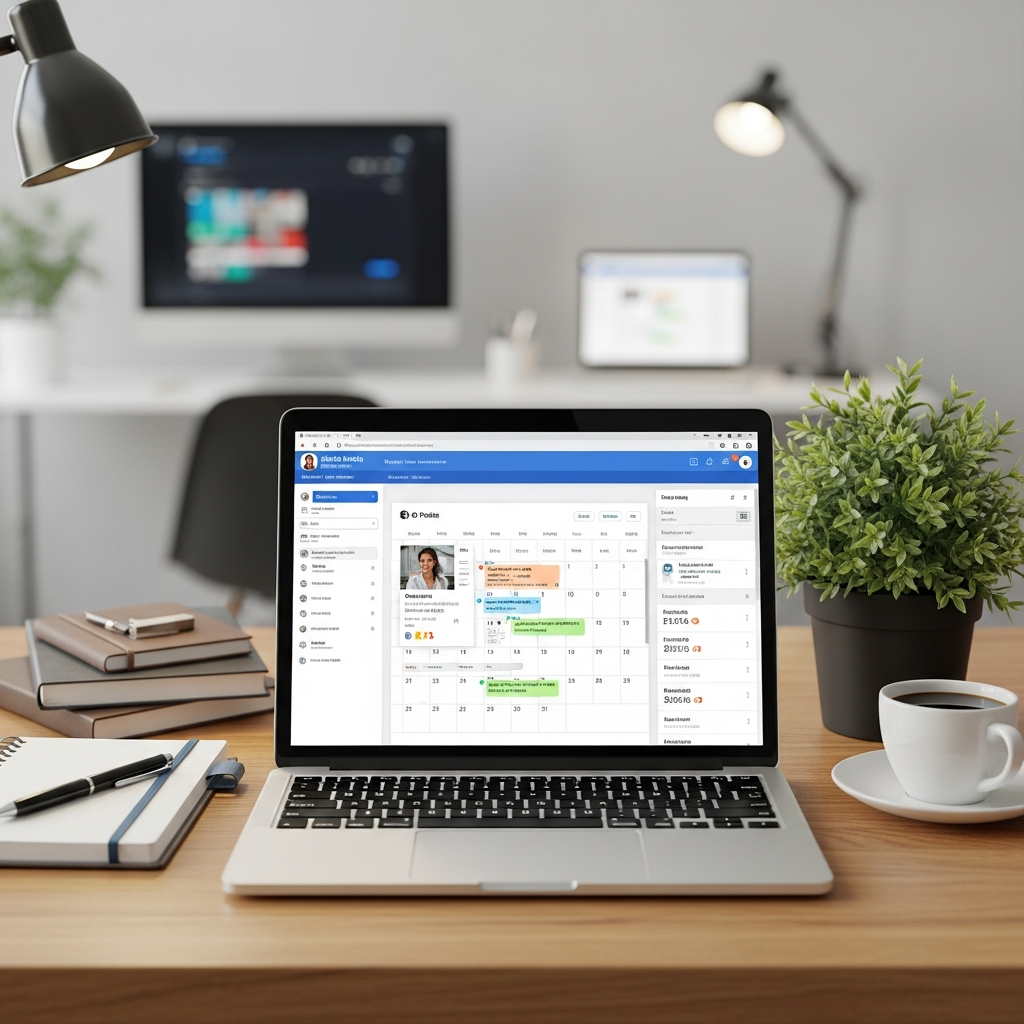
Visual content calendars make planning and organizing posts much easier. You can see your entire content strategy at a glance. Drag-and-drop functionality lets you rearrange posts quickly. Color coding helps you categorize different types of content or campaigns. These visual elements reduce planning time significantly.
Analytics and reporting capabilities help you understand what content performs best. Track engagement rates, click-throughs, and follower growth across all platforms. This data guides your content strategy and helps you focus on what actually drives results. Look for tools that present this information in easy-to-understand dashboards.
AI-powered content creation represents the cutting edge of scheduling tools. These features can suggest post ideas, write captions, and even create graphics. They analyze your industry and audience to recommend optimal posting times. This automation level lets you maintain professional social media presence without extensive marketing knowledge.
Team collaboration features become essential as your business grows. Look for tools that allow multiple users with different permission levels. Your marketing assistant might need posting privileges while your accountant only needs viewing access. Comment moderation and approval workflows ensure brand consistency across all communications.
RSS feed integration and content curation capabilities help you maintain a steady stream of valuable content. These features can automatically pull relevant industry news and articles, which you can then customize and share with your audience. This functionality is particularly valuable for businesses in fast-moving industries where staying current matters.
How to Choose the Right Tool for Your Business Needs
Start by evaluating which social media platforms matter most to your business. A local restaurant might prioritize Instagram and Facebook. A B2B service company could focus on LinkedIn and Twitter. Choose social media scheduling tools that excel on your priority platforms rather than trying to cover everything.
Consider your content creation capacity and skills. Some business owners love writing posts and creating graphics. Others prefer automated solutions that handle content creation entirely. Assess your team’s bandwidth honestly. Then select a tool that matches your current resources and capabilities.
Budget considerations extend beyond monthly subscription costs. Factor in the time savings and potential revenue increases. A tool that costs more upfront might deliver better ROI through superior automation features. Calculate the value of your time spent on manual social media management.
Integration capabilities with your existing business tools matter significantly. Your scheduling tool should connect with your CRM, email marketing platform, and website analytics. This connectivity creates a cohesive marketing ecosystem. It also prevents data silos that complicate performance tracking and customer relationship management.
Scalability becomes crucial as your business grows. The tool that works perfectly for a solo entrepreneur might struggle to support a team of five. Consider your growth plans and choose a platform that can accommodate additional users, social accounts, and posting volume without requiring a complete migration to a new system.
Best Practices for Maximizing Your Scheduling Tool Investment
Batch content creation maximizes your efficiency with any scheduling tool. Set aside dedicated blocks of time for creating multiple posts. This focused approach maintains consistency in voice and messaging. You’ll also find creative momentum builds when you’re not constantly switching between tasks.
Balance automated and real-time engagement to maintain authentic connections with your audience. While scheduling tools handle routine posting, monitor comments and messages regularly. Respond promptly to customer inquiries and engage with user-generated content. This human touch differentiates your brand from purely automated competitors.
Regular analysis of your scheduled content performance drives continuous improvement. Review which posts generate the most engagement, clicks, and conversions. Use these insights to refine your content strategy and posting schedule. Most social media scheduling tools provide detailed analytics to support this optimization process.
Test different posting times and content types systematically. Your scheduling tool’s suggested optimal times provide a starting point. However, your specific audience might behave differently than industry averages. Experiment with various approaches and let data guide your decisions rather than assumptions.
Common Scheduling Mistakes to Avoid
Over-automation represents one of the biggest pitfalls in social media scheduling. While automation saves time, your social media should never feel robotic. Avoid scheduling every single post weeks in advance without any real-time content. Current events, trending topics, and spontaneous moments often generate the highest engagement levels.
Neglecting platform-specific best practices can hurt your social media performance. Each platform has unique optimal posting times, content formats, and audience expectations. Don’t simply duplicate the same post across all platforms. Customize your content for each platform’s specific audience and technical requirements.
Failing to monitor scheduled posts can lead to embarrassing situations. Always review your scheduled content before it goes live, especially during sensitive news cycles or industry events. A promotional post about your sale might seem tone-deaf if posted during a local crisis or industry setback.
Inconsistent brand voice across scheduled content confuses your audience and weakens your brand identity. If multiple team members create content, establish clear brand guidelines and approval processes. Your scheduling tool should support these workflows with collaboration and approval features.
Advanced Strategies for Social Media Scheduling Success
Content themes and series create anticipation among your followers while simplifying your planning process. Consider implementing Motivation Monday posts, Feature Friday spotlights, or weekly industry insights. These recurring themes provide structure for your content calendar while giving followers something to expect and look forward to.
Cross-platform storytelling amplifies your message reach without simply duplicating content. Use your scheduling tool to coordinate related posts across different platforms that tell a complete story. Your Instagram might show behind-the-scenes content while LinkedIn shares the business insights and Facebook focuses on customer benefits.
Seasonal and holiday content planning requires advance scheduling to maximize impact. Use your scheduling tool to plan major holiday campaigns weeks in advance. Include industry-specific observances and awareness days relevant to your business. This forward-thinking approach ensures you never miss important marketing opportunities.
Crisis communication preparedness involves having pause buttons and emergency protocols built into your scheduling workflow. Train your team on how to quickly pause scheduled content during sensitive situations. Develop templates for different types of crisis responses that can be deployed quickly when needed.
Ready to transform your social media presence without the daily time commitment? AutoMarketer AI combines intelligent scheduling with AI-powered content creation, helping small business owners like you maintain professional social media presence effortlessly. Our platform handles everything from writing engaging posts to optimizing posting schedules across all your channels. Contact us today to see how our automated approach can grow your online presence while freeing up your valuable time. For a comprehensive overview of social media automation strategies, check out our Complete Guide to Social Media Automation for Small Business.
Leave a Comment