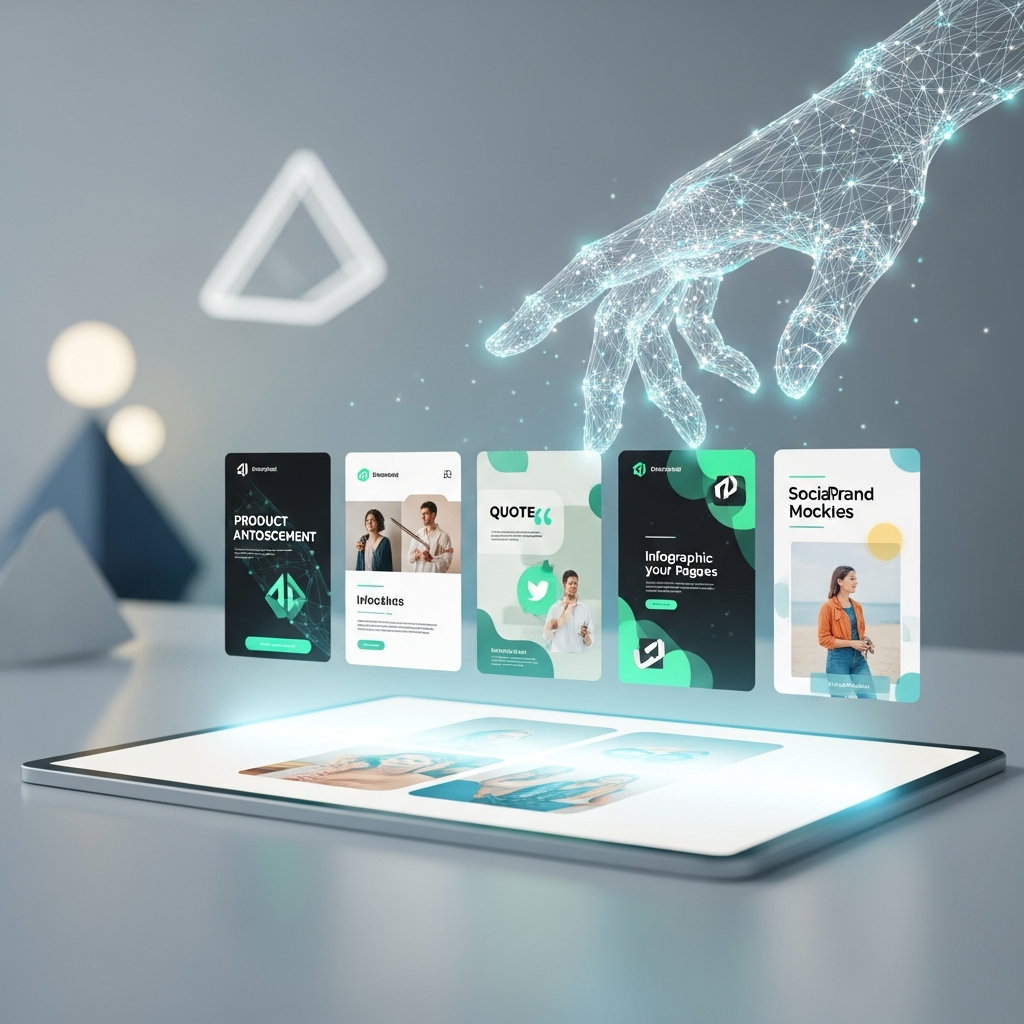
AI-Generated On-Brand Social Post Images Made Easy
TL;DR
AutoMarketer AI generates on-brand images for your social posts right in your dashboard, so your visuals match your content without stock photos or a designer.
- The AI creates an image to fit each written post, and you review and approve it before publishing.
- You choose which AI generates your images and which AI writes your posts, so the look fits your brand.
- Posts with their images go out to Facebook, Instagram, and X at a time you pick or a strong time chosen for you.
Why On-Brand Images Matter for Your Social Posts
Every social post needs on-brand social post images. Photos and graphics stop the scroll and pull people in. However, text alone rarely gets the same attention.
However, finding the right image takes time. Stock photos feel generic. Hiring a designer costs money you might not have.
That is where AI image generation comes in. It creates fresh visuals for your posts without a photo shoot. As a result, you get on-brand social post images made just for your content.
On-brand means the image fits your business. It matches your style, your mood, and your message. Furthermore, that consistency helps people recognize you.
Choosing your own AI image generator means every social post carries visuals that match your brand, and AutoMarketer AI can create those images for you automatically.
Learn more →When your visuals feel cohesive, your brand looks bigger. As a result, small businesses can look as polished as the big players. That is the goal.
How AI Image Generation Works Inside Your Dashboard
AutoMarketer AI writes your social posts for you. It works in your business’s voice. Then it can create on-brand social post images to match.
The AI image generation happens right alongside your content. As a result, you do not jump between tools. Everything lives in one dashboard.
When a post is written, the AI can generate an image for it. Furthermore, the visual is built to fit the message of that post. No hunting through stock libraries.
You stay in control the whole time. You review and approve every post before it goes out. That includes the image attached to it.
Ultimately, this keeps your workflow simple. Write, review, approve, and publish. The visual work is handled for you along the way.
Choosing Which AI Creates Your Images
Not every AI creates the same kind of image. Some lean artistic. In contrast, others feel more clean and simple. You get to decide.
AutoMarketer AI lets you choose which AI generates your on-brand social post images. Ultimately, that flexibility matters. Your business is unique, and your visuals should reflect that.
You can also choose which AI writes your content. The words and the pictures work together. That makes each post feel complete.
This choice puts you in the driver’s seat. As a result, you are not stuck with one look. You pick what fits your brand best.
Here are a few things you control when it comes to your content:
- Which AI writes your posts and blogs
- Which AI handles your AI image generation
- Which provider sends your email
- Whether you approve each post or run on autopilot
Posting Your Images to the Right Channels
Great images only help when people see them. That means posting where your audience already spends time. Therefore, AutoMarketer AI handles that for you.
Your posts go out to Facebook, Instagram, and X. Each one carries your text and your generated image. Furthermore, you do not post them by hand.
Instagram is a visual space. Strong images matter there. In fact, the AI image generation gives you on-brand social post images worth showing off.
You can schedule each post for the date and time you choose. Alternatively, let the tool pick a strong time of day for each channel. It adjusts based on how your own posts perform.
This runs quietly in the background. You do not set it up or babysit it. As a result, your images just go out at good moments.
Keeping Your Visuals Consistent Over Time
One good image is nice. A steady stream of them is powerful. Ultimately, consistency is what builds trust with your audience.
With AI image generation, you never run dry. Each new post can get its own visual. Therefore, you are not scrambling for pictures every week.
AutoMarketer AI writes your week’s posts on its own schedule. Furthermore, each one can come with matching on-brand social post images. That keeps your feed looking active.
Once you approve a streak of posts, you can switch to autopilot. Your content and visuals keep flowing. Meanwhile, you focus on running your business.
If a scheduled post ever fails to publish, you get an email alert. As a result, you stay informed. Nothing slips by without you knowing.
Getting Started With AI Image Generation
You do not need design skills to make great visuals. You do not need a big budget either. Ultimately, the AI does the heavy lifting.
Small businesses often struggle to keep up with content. Images are one more thing on a long list. Ultimately, this takes that weight off your plate.
With one dashboard, your blog, social, email, and SEO work together. The AI image generation that powers your on-brand social post images is just one piece of that. Furthermore, it all runs from a single login.
We never let the AI invent claims your business cannot back up. Your marketing stays honest. As a result, your visuals support real messages, not empty hype.
Ready to see what on-brand social post images can do for your posts? Reach out to learn more about AutoMarketer AI today. Let us help you market smarter and win back your time.
Frequently Asked Questions
Does AutoMarketer AI create images for my social posts automatically?
Yes. When a post is written, the AI can generate an image built to fit the message of that post. This happens right inside your dashboard, so you do not need to jump between tools or hunt through stock libraries.
Can I choose which AI generates my images?
Yes. AutoMarketer AI lets you choose which AI generates your images, since different AIs produce different styles. You can also choose which AI writes your content, so the words and pictures work together to fit your brand.
Do I get to review the images before they are posted?
Yes. You review and approve every post before it goes out, and that includes the image attached to it. Once you have approved a streak of posts, you can switch to autopilot if you prefer.
Which channels do my images and posts get published to?
Your posts, carrying your text and generated image, go out to Facebook, Instagram, and X. You do not post them by hand. Instagram in particular is a visual space where strong images matter.
Do I have to pick the time my image posts go out?
You can schedule each post for the date and time you choose. Alternatively, the tool can pick a strong time of day for each channel, starting from proven industry-standard times and adjusting based on how your own past posts perform. This runs quietly in the background, so you do not set it up.
Why should I use AI-generated images instead of stock photos?
Stock photos often feel generic, and hiring a designer costs money you might not have. AI image generation creates fresh visuals made just for your content without a photo shoot. On-brand images that match your style and mood help people recognize you and make your business look more polished.
Leave a Comment
Your email will not be published or shared. We use it only to follow up if needed.