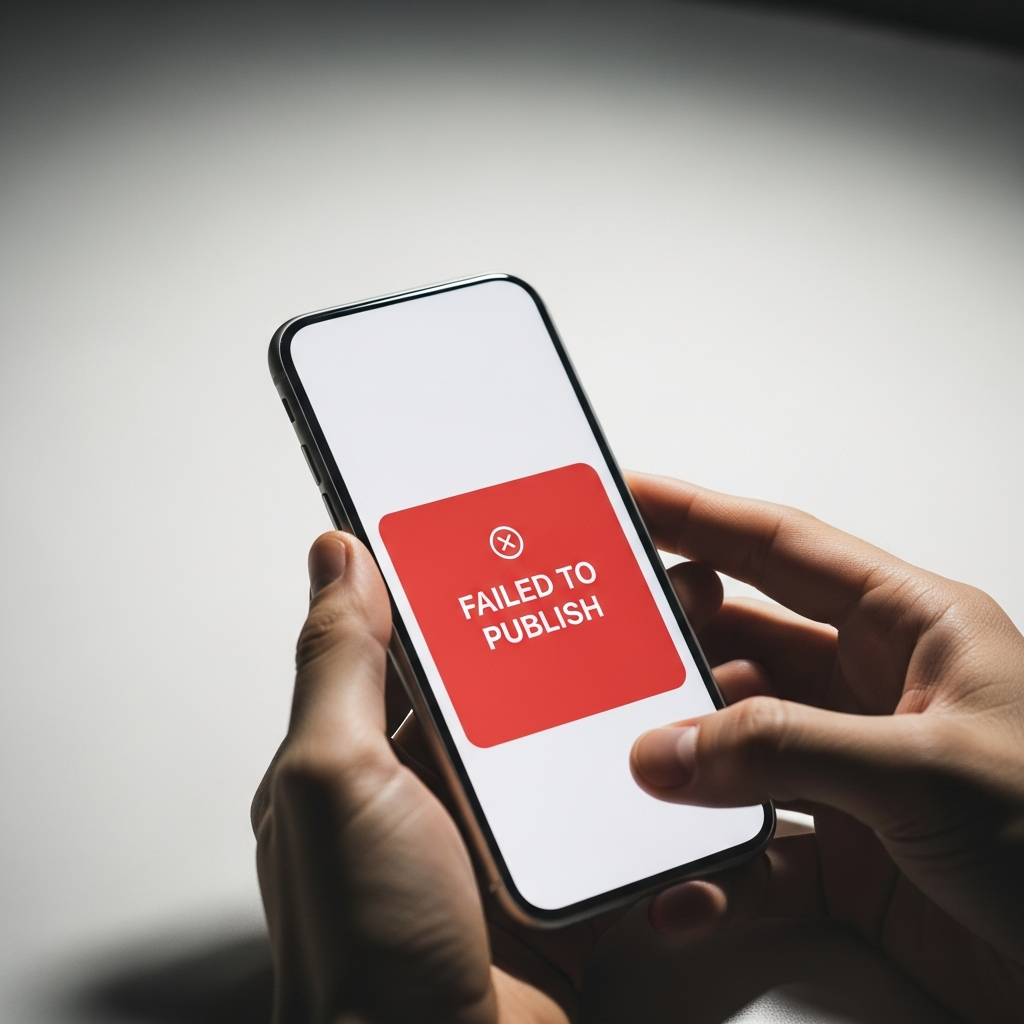
Failed to Publish Notification: Know When It Breaks
TL;DR
AutoMarketer AI emails you an alert when a scheduled post fails to publish, so a silent gap never quietly hurts your marketing.
- When a post fails to go out, you get an email alert telling you what happened.
- The system does not re-publish a failed post for you, so re-publishing is a manual step you take when ready.
- When you get an alert, check the email, confirm your channel is still connected, review the post, and re-publish it yourself.
Why a Failed Post Matters More Than You Think
When you receive a failed to publish notification, it means the post you scheduled did not go out as planned. Most of the time, the process is invisible. You write, you approve, and the post lands on Facebook, Instagram, or X exactly when you wanted it to. You move on with your day. Ultimately, that is exactly how it should work.
But sometimes a post does not go out. A connection drops. A platform hiccups. An access token quietly expires in the background. A post that fails to publish happens to everyone eventually, no matter how careful the setup. It is a normal part of publishing to platforms you do not control.
The real problem is not the failure itself. The problem is not knowing about it. A silent gap in your content marketing hurts because you keep believing everything is running while the schedule you built has a hole in it. You think you posted on Tuesday. Your audience saw nothing.
Consistency is what builds trust with your audience. One missed post is small. A pattern of silent misses is a slow leak. Your followers start to notice the gaps before you do, and the momentum you worked to build quietly slips away without a single warning sign in your dashboard.
If you would rather never wonder whether a scheduled post went live, AutoMarketer AI emails you an alert the moment one fails so you can act fast.
Learn more →That is why we built alerts you can count on. As a result, when a post fails, a failed to publish notification reaches you right away, so a small technical hiccup never turns into weeks of unexplained silence.
How AutoMarketer AI Handles a Failed Post
Here is the honest truth about how it works. When a scheduled post fails to publish, we email you a failed to publish notification. That email is your signal that something needs a look, delivered straight to your inbox rather than buried in a screen you may not open that day.
That email tells you what happened. As a result, you stay in the loop without having to babysit your dashboard all day. You do not need to log in every hour to confirm your posts went out. The alert comes to you, which means the only time a failure demands your attention is the moment it actually occurs.
We want to be clear about one thing. The system does not re-publish a failed post for you. It does not silently retry, re-attempt, or re-send behind the scenes. There is no hidden loop trying again and again on your behalf.
Re-publishing is a manual step. Therefore, you decide what to do next, on your terms, when you are ready. If the content is time-sensitive, you can fix and re-publish immediately. If it can wait, it can wait. You stay in control of the call, which matters when a post is tied to a sale, an event, or a moment.
We would rather tell you the plain truth than promise something we do not do. That honesty runs through our whole approach to content marketing, and it shows up in the smallest corners of the product, not just the headline features.
What You Can Do the Moment You Get the Alert
Getting a failed to publish notification is only useful if you know your next move. Fortunately, the good news is your options are simple, and none of them require any technical skill.
First, check the alert email. It points you toward what went wrong so you are not guessing. Instead of staring at a dashboard wondering why a post vanished, you start with a clear pointer to the cause.
Then you can head back into your dashboard and take action. Ultimately, re-publishing is quick once you know what happened. The heavy lifting of writing and formatting is already done; you are simply pushing it back out.
Here are a few steps that help when a post does not go out:
- Read the failed to publish notification as soon as it lands so you understand the cause early.
- Confirm your social channel is still connected, since a dropped Facebook, Instagram, or X connection is a common culprit.
- Review the post to make sure the content still fits the moment before it goes live.
- Re-publish it manually when you are ready, on the timing that makes sense for you.
- Keep an eye out in case it happens again, which can hint at a connection that needs reauthorizing.
None of this takes long. In fact, a few minutes and you are back on track, with your schedule whole again.
Why Honest Alerts Beat False Promises
Plenty of tools like to sound magical. They promise everything runs itself with zero attention from you, as if failures simply never occur.
We take a different path. We automate the heavy lifting, but we tell you the truth about the edges. Automation should carry the weight, and honesty should cover the moments automation cannot.
Sending you a failed to publish notification is part of that promise. However, pretending failures never happen would be dishonest, and it would leave you exposed exactly when you needed to know.
We never let our AI invent claims your business cannot back up. Furthermore, that same rule shapes how we talk to you. If a post did not go out, we say so plainly rather than hiding it behind a green checkmark.
Trustworthy content marketing starts with a tool you can actually trust. Ultimately, a failed to publish notification you can rely on is a small but real part of that. When the alerts are honest, everything else you build on top of them feels solid too.
How Automation Frees You for the Bigger Picture
Alerts are one small piece of the puzzle. However, the larger goal is giving you your time back so you can focus on the parts of your business only you can do.
AutoMarketer AI writes posts in your business voice. Furthermore, it schedules them to Facebook, Instagram, and X for you, so you are not copying and pasting across separate apps.
It even picks a strong time of day for each post. It starts from proven industry-standard times, then adjusts based on how your own past posts performed in likes, comments, and reach. That tuning happens quietly in the background, and you never have to set it.
For example, one bakery client scheduled twelve posts in about ten minutes on a Sunday night. The scheduler later shifted a few to mid-morning slots based on how their earlier posts had done.
One of those shifted posts got their highest reach in two months. That is smart content marketing working quietly in the background, freeing the owner to focus on the bakery instead of the feed.
Making Content Marketing Simple and Reliable
You did not start your business to chase failed posts around a dashboard. You started it to serve your customers and build something you care about.
Good content marketing should lift that weight off your shoulders. Furthermore, it should not add new worries to your day. A clear alert when something breaks is part of keeping the worry list short.
That is why we pair strong automation with a plain, honest failed to publish notification. As a result, you get consistency without losing control, and you always know where your content stands.
You still review and approve every post before it goes out. Ultimately, once you trust a streak, you can switch to autopilot and let the approved rhythm carry on.
Everything runs from one dashboard. Your blog, social, email, and SEO all live in a single place, so you are not stitching your marketing together from scattered tools.
If you want marketing that works hard and tells you the truth, we would love to help. Reach out to learn more about AutoMarketer AI today.
Frequently Asked Questions
How will I know if one of my scheduled posts fails to publish?
When a scheduled post fails to publish, AutoMarketer AI emails you an alert right away. That email tells you what happened so you stay in the loop without having to watch your dashboard all day.
Does AutoMarketer AI automatically re-publish a post that failed?
No, it does not re-publish a failed post for you. Re-publishing is a manual step, so you decide what to do next on your own terms when you are ready.
What should I do the moment I get a failed post alert?
Start by reading the alert email as soon as it lands, since it points you toward what went wrong. Then confirm your social channel is still connected, review the post to make sure the content still fits, and re-publish it manually when you are ready.
Which platforms does AutoMarketer AI post to?
AutoMarketer AI posts to Facebook, Instagram, and X. It writes posts in your business voice and schedules them to those channels for you.
How does AutoMarketer AI decide what time to publish my posts?
It automatically picks a strong time of day for each post, starting from proven industry-standard times for that channel. It then adjusts based on how your own past posts performed, and this runs in the background so you do not set it.
Why does AutoMarketer AI focus on honest alerts instead of promising everything runs itself?
The tool automates the heavy lifting but tells you the truth about the edges, including when a post fails. Trustworthy content marketing starts with a tool you can actually rely on, so an alert you can count on is a small but real part of that.
Leave a Comment
Your email will not be published or shared. We use it only to follow up if needed.